
To install OneDrive on a Mac device
1. Click on the link to OneDrive button below
OneDrive2. Click on download

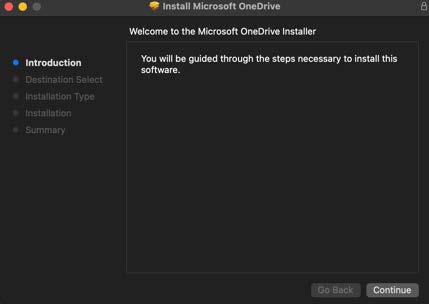
3. The download will start. When ready, go to your Downloads folder and run the installer:

4. Follow the steps by clicking Continue. (You may be prompted for your computer password or fingerprint).
5. OneDrive is now installed and can be found in your Applications folder
6. Sign in with your school email <studentid>@fountaingatesc.vic.edu.au and your compass password.